
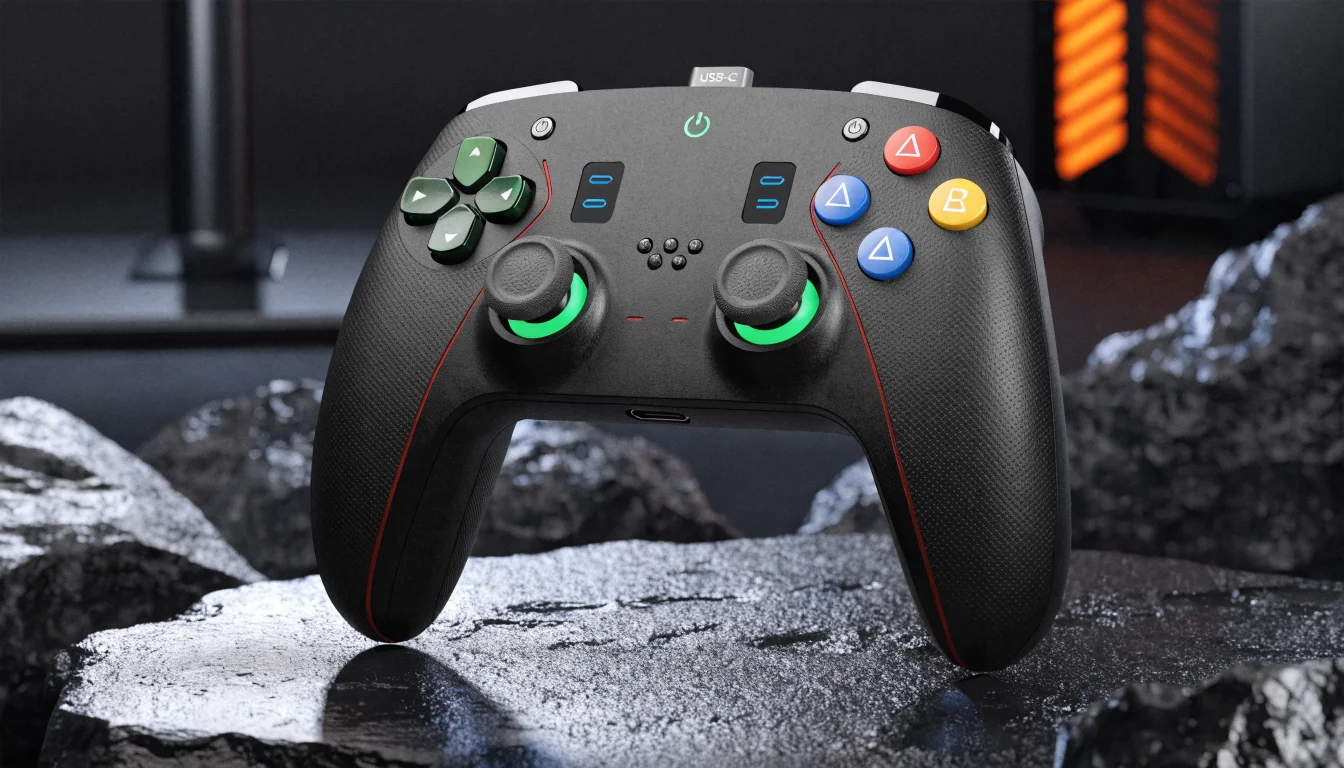
Leverless Controllers for PC
The widest leverless support of any platform. Almost every leverless works on PC via USB with no adapters.
PC has the widest leverless support of any platform. Almost all leverless controllers work on PC via USB with no adapters, firmware hacks, or dongles. Whether you use a premium licensed pad, a budget board, or a custom build, your leverless will almost certainly be recognized as a standard game controller or keyboard-style input. This guide covers what works on PC and what to expect.
Why PC Is the Easiest Platform for Leverless
Windows and most PC games accept generic USB HID (Human Interface Device) input. Leverless controllers typically identify as either a gamepad or a keyboard, depending on firmware. Steam, fight sticks, and arcade-style controllers are well supported; many titles also allow rebinding, so you can map any leverless layout to your preferred scheme. No console licensing or certification is required, so manufacturers and DIY builders target PC first.
GP2040-CE and Open-Source Boards on PC
Boards running GP2040-CE firmware are extremely popular on PC. This open-source firmware supports multiple input modes (XInput, DInput, keyboard) and is used in many budget and custom leverless controllers. Devices like Haute42 boards (M16, Board16, M Ultra Gen2) ship with GP2040-CE and work out of the box on PC. You can switch between gamepad and keyboard modes in firmware, and SOCD (simultaneous opposite cardinal direction) cleaning is built in. No drivers are usually needed; Windows recognizes the device as a standard controller.
Haute42, 8BitDo, and Budget Options
Haute42 offers a range of slim, affordable leverless controllers that work natively on PC, Switch, and Android. They are a top choice for players who want a Hitbox-style layout without spending premium money. The 8BitDo All-Button Arcade is another strong budget option; it supports PC (and other platforms) and is often priced around $89–99. Both are ideal for PC-first players who may later add adapters for console.
Premium PC Leverless: Razer Kitsune, Corsair Novablade, Victrix
Premium leverless controllers also work on PC. The Razer Kitsune is a slim, wired leverless with official support for PS5 and PC. The Corsair Novablade Pro supports PS5, PS4, and PC with wired, 2.4 GHz, and Bluetooth. The Victrix Pro KO leverless fight stick is licensed for PS5/PS4 and is recognized on PC as well. All of these offer high build quality, remappable buttons, and SOCD options.
Custom Builds and DIY on PC
Custom leverless controllers—whether you build from a kit, 3D-print an enclosure, or use a GP2040-CE–based board—almost always work on PC. The flexibility of USB HID means you can use any layout, switch type, and artwork you like. Many builders start on PC and only later add console support via adapters.
SOCD and Remapping on PC
On PC you have full control over SOCD (how opposite directions are resolved—e.g. Up+Down, Left+Right) and button remapping. Many leverless firmwares let you choose SOCD behavior (neutral, last-win, etc.) in the board’s config. Games and launchers like Steam often allow full remapping of gamepad or keyboard inputs, so you can tailor your layout to each game. This makes PC the most flexible platform for experimenting with leverless setups.
What to Expect: No Adapters Needed
On PC you do not need Brook, Mayflash, or any other adapter. Plug in your leverless via USB (or connect wirelessly if the pad supports it), and it should be detected. If a game does not recognize the device, try switching the board’s input mode (XInput vs DInput) or use Steam’s controller configuration to map inputs. For the widest compatibility, choose a leverless that supports XInput when you plan to play on PC.
PC Leverless at a Glance
PC is the most open platform for leverless controllers. GP2040-CE, Haute42, 8BitDo, Razer Kitsune, Corsair Novablade, Victrix, and custom builds all work via USB with no adapters. SOCD and remapping are under your control.
Quick takeaway
No adapters needed on PC. Plug in via USB; XInput or DInput depending on firmware. Budget (Haute42, 8BitDo) and premium (Kitsune, Novablade, Victrix) all work.